Skip to content
All features

All features.One operating system for your office.

From the first owner meeting to the commission invoice: eleven stages, one data base, one permission layer. Here is everything ImmoVision does — sorted along the path a property takes through your office.

11
stages
DE · EN · TR
languages
DACH & TR
markets
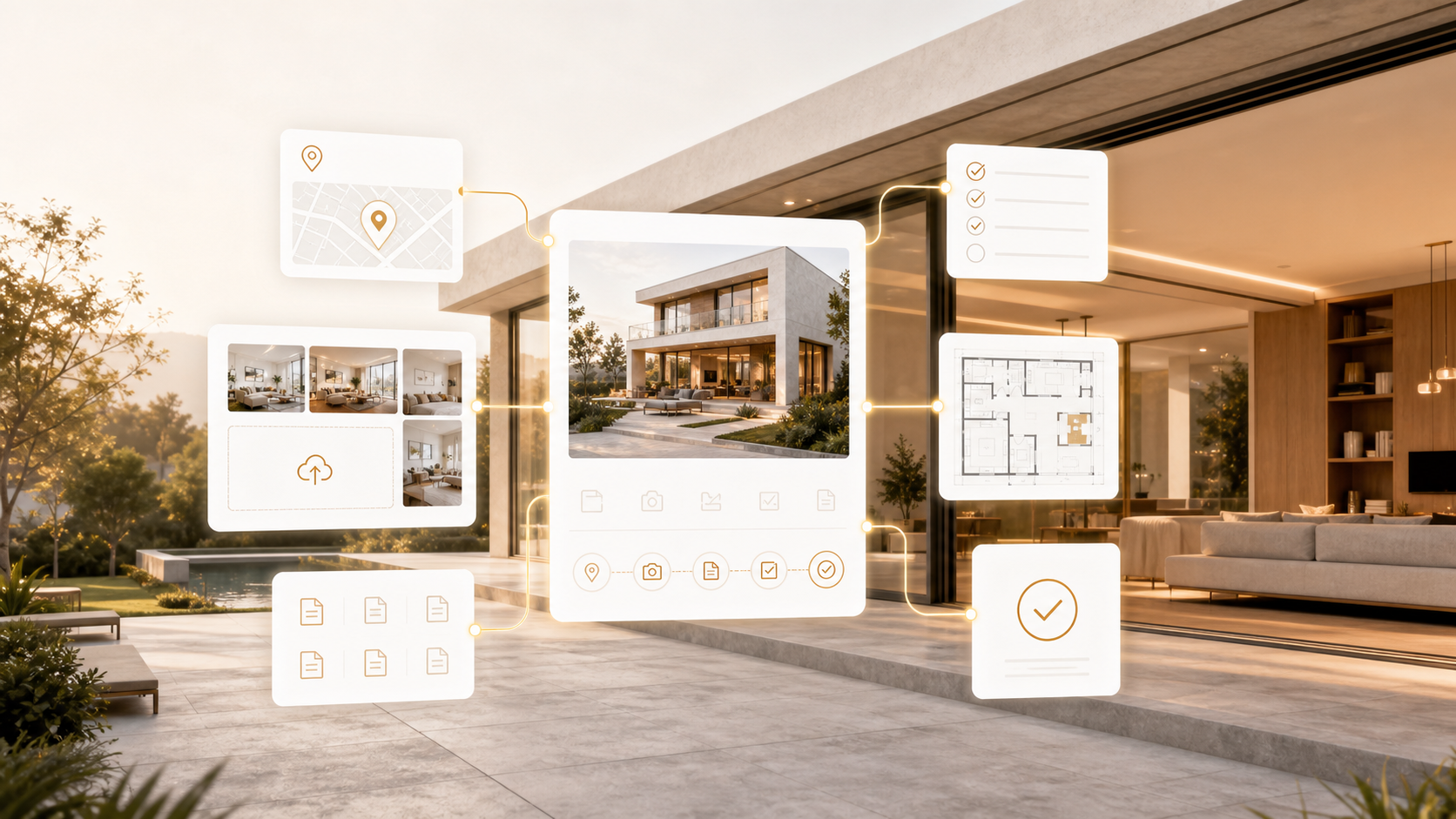
AI visualisation · demo property
The journey in 11 stages

Each stage uses what the previous one captured

Choose a stage — the page jumps to the section with all its features.

  1. 82+ Features in this stage
Stage 01

Win owners

The mandate starts with the owner. ImmoVision gives you figures for the pitch, a professional price report and a way for owners to deliver their documents themselves.

Features in this stage
  • Owner link: the owner captures the property and uploads photos, videos and documents — a draft is created automatically on submission
  • Large files in chunks, virus scan, AI recognises the document type
  • Market analysis with comparables, price range and price scenarios
  • Official indices: Destatis, Eurostat, ECB, TCMB
  • Price report for the owner: reviewed and approved, as a protected link (30 days) and as a PDF with your office logo
  • Listing mandate with type, term and link to the owner inquiry
  • Owner area and valuation on the microsite
  • Owner funnel in analytics: inquiry → appointment → mandate → closing
Win owners
Stage 02

Capture properties

Capture once, use everywhere. At the desk, on site or from existing documents — the property is then structured for exposé, microsite, portal and matching.
Features in this stage
  • Property wizard step by step: address, price, features, rooms, media, documents
  • Quick entry on one page
  • On site by voice in the app: photos and a spoken walkthrough become a finished draft
  • Import from PDF, Word, link, text or photos only
  • Dictation: fill descriptions and entire wizard steps by voice
  • Plot and area editor on our own map, area and perimeter calculated
  • Floor plans, documents and energy certificate with fixed places
  • Mandatory details under § 87 GEG (DE) and EİDS data (TR)
  • Property list with filters, bulk actions and team portfolio
  • Texts in DE, EN and TR, AI translation
Capture properties
Capture properties
Screenshot from the system · demo data
Stage 03

Produce media

Better images and videos without an agency — and every AI edit is labelled and on record.

Features in this stage
  • AI image studio: enhancement, virtual staging, renovation preview, restyling, object removal, variants — in the dashboard and the app
  • Faces and licence plates are blurred automatically
  • AI labelling under the AI Act, confirmation before publication, evidence register with the original
  • Upload your own AI images (e.g. from ChatGPT) and label them correctly
  • Videos: social videos, Quick AI on site, tour video, your own videos (location data removed)
  • Drone and location video: virtual camera flight over a map or official aerial imagery (DACH)
  • 360° tours: AI panorama from photos or a real 360° camera (e.g. Insta360), hotspots and info tiles
  • Print catalogue in print quality with bleed and crop marks, designable yourself
  • Branding: logo, colours and fonts apply everywhere, watermark
Produce media
Stage 04

Market

The digital exposé is the heart: a dedicated page per property, in your brand, that answers questions and generates inquiries. Plus microsites for the office and every agent.

Features in this stage
  • Digital exposé per property: gallery, video, 360°, location, areas, costs (service charge/aidat), energy details, mortgage calculator, documents
  • On the exposé: inquiry, viewing request, WhatsApp and AI assistant, in DE, EN and TR
  • Microsites for the office and every agent: portfolio, team, references, search request, owner area, booking, own domain
  • QR poster, short link and a preview when shared on WhatsApp & co.
  • Portals via OpenImmo export (e.g. ImmoScout24, Immowelt, Kleinanzeigen)
  • Push notifications to prospects for new properties and price changes
  • Campaigns with cost per qualified inquiry
  • Structured data for search engines
Market
Market
Screenshot from the system · demo data
Stage 05

Inquiries & communication

No inquiry gets lost: every channel lands as a lead in one place, with the responsible agent, with the full history.

Features in this stage
  • Inquiries from all channels become leads: exposé, microsite, form, chat, WhatsApp, phone, email, Meta Lead Ads, Instagram, Messenger, portals, API
  • Outlook and Gmail inbox: read and sorted — portal → lead, customer → history, unknown → suggestion
  • AI assistant on exposé and microsite: chat and voice, answers questions, suggests appointments
  • WhatsApp assistant with handover to the agent, own number and own Meta key
  • Telephony with recording only after consent, transcript, summary and tasks
  • Replies from the lead by email and WhatsApp, from your mailbox, with signature
  • Contacts: phone book and Outlook import, visibility per contact, contact file, duplicates
  • Consents with proof (text version and checksum)
Inquiries & communication
Screenshot from the system · demo data
Stage 06

Steer sales

Know whom to call today and which property fits whom — by clear rules, with transparent reasons.

Features in this stage
  • Search profiles, matching and re-matching with reasons
  • Saved search alerts for prospects
  • “Who to call today?”: daily list by clear rules
  • Calendar: viewings, callbacks, online booking, holidays, reminders, customer confirmation
  • Sync with Microsoft and Google calendars
  • Tasks, follow-ups and responsibilities
  • Notes — private, also offline in the app
  • Market alerts: price changes nearby, properties without activity
Steer sales
Steer sales
Screenshot from the system · demo data
Stage 07

Sintrii — your assistant

Talk instead of click. Sintrii knows your data as far as you are allowed to see it, prepares and fills in — nothing reaches customers without your confirmation.

Features in this stage
  • Voice command or live conversation, in the dashboard and the app, also by text
  • Knows leads, properties, appointments, tasks, credit and key figures
  • Creates appointments, tasks and notes and drafts messages — saved and sent only after your confirmation
  • Opens the right page and fills in forms
  • “Prepared”: first reply, follow-up, appointment briefing and price conversation are ready
  • Industry radar: new laws and market data for DE and TR, as a morning briefing if you like
  • Tables and charts on request
Sintrii — your assistant
Screenshot from the system · demo data
Stage 08

Close

The journey does not end with the lead. From offer to commission invoice, everything stays in the same transaction.

Features in this stage
  • Transaction: offer → contract → notary (DE) / tapu (TR) → closed
  • Parties and commission per transaction
  • Commission invoice as e-invoice (ZUGFeRD, XRechnung, UBL-TR)
  • Automatic report to the owner every 7, 10, 14 or 30 days
  • Closed properties as references on the microsite
Close
Stage 09

Lead office & team

Everyone sees what they are allowed to see — and management sees where things are stuck. A simple view helps newcomers.

Features in this stage
  • Six roles with permissions, branches, territories and handovers
  • Tasks for colleagues, comments with @mentions, office announcements
  • “My team today”, monthly report and central report
  • Analytics by period, team, property and channel
  • Simple view for newcomers
  • Mobile app without a store: appointments, leads, voice note, Quick AI, image studio, notes, My QR
  • Academy and help assistant in the app, support requests
Lead office & team
Lead office & team
Screenshot from the system · demo data
Stage 10

Mandatory details & data protection

What isn’t right doesn’t go online. Mandatory details are checked per market before publication; consents and AI edits are on record.

Features in this stage
  • GDPR and KVKK, data processing agreement, subprocessors, TOM
  • Hosting in Germany, AI only in EU data centers, no training on your data
  • AI Act: labelling and evidence for every AI media edit
  • EİDS (TR) and § 87 GEG (DE) as a publishing lock when mandatory details are missing
  • Tamper-evident audit log, two-factor sign-in, device management
  • Data subject rights: access and deletion with one click
Mandatory details & data protection
Stage 11

Network, integration & billing

From a single office to a franchise network — with open interfaces and billing that grows with you.

Features in this stage
  • Franchise and white label: own brand, headquarters with its own console, standards per location, royalties
  • Microsoft 365 and Google: calendar, mail, contacts
  • HubSpot, migration from Propstack and onOffice, OpenImmo and CSV
  • API, webhooks, Microsoft Teams and Slack, Zapier and Make
  • Packages by team size with monthly AI credit, prepaid and automatic top-up
  • Invoices with VAT/KDV, Stripe customer portal
Network, integration & billing
In every stage

What applies everywhere

Mobile app

Appointments, leads, voice note, Quick AI, image studio and notes — installable without a store.

DE · EN · TR

Interface, exposé, microsite and assistant in three languages; the assistant speaks the prospect’s language.

Simple view

Six menu items for newcomers, all features one click away.

Academy & help

Learning paths, “Show me” right in the app and a help assistant that answers from the manual.

Frequently asked questions

Answered briefly

01

Do I have to use every feature?

No. You start with what you need — usually property, exposé and inquiries. Everything else is ready when you need it; AI features can be switched off per office and per agent.

02

What does an AI feature cost?

Every package includes a monthly AI credit. Consumption per action is listed in the price overview in the dashboard; for large actions you see the price in advance.

03

Does everything work on the phone?

Yes. The mobile app installs without a store and includes appointments, leads, voice note, Quick AI, image studio and notes.

04

Which markets is ImmoVision built for?

For Germany, Austria, Switzerland and Türkiye — with the mandatory details of each market, such as § 87 GEG or EİDS.

05

Can I bring my data from other software?

Yes: via OpenImmo or CSV, directly from Propstack and onOffice, plus contacts from your phone book and Outlook.

See it with your own office

Register and create your first property in 5 minutes — or let us show you all 11 stages in a live demo.